
Explore the app · 05
Recent devices and favorites
Windows · Mac · Android · iPhone
Choose a device you connected to before from Recent or Favorites.
Step by step
- Open Recent or Favorites.
- Check the device number and display name.
- Select the device and complete approval or password entry to connect.
| Item | Meaning |
|---|---|
| Recent | Devices you connected to before |
| Favorites | Devices you marked for quick access |
| Display name | The name shown in the list, separate from a registered alias |
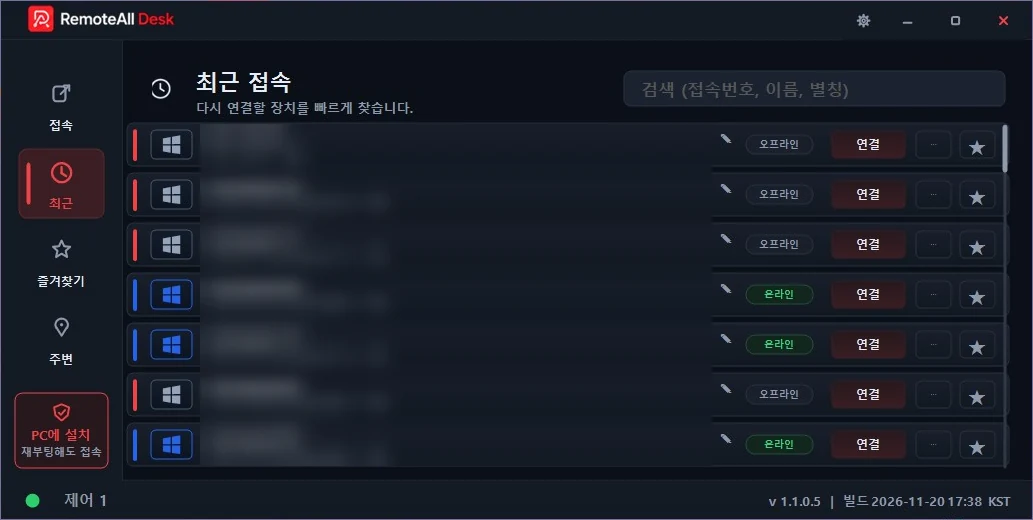
- 1 Recent tab
- 2 Search (access number, name, alias)
- 3 Device name and access number
- 4 Rename
- 5 Online or offline
- 6 Connect
- 7 More
- 8 Add to favorites
Numbers are explanatory overlays and do not appear in the application.