
Mac · 28
Connect from a Mac
Mac viewer
Connect from a Mac to a Windows PC or another Mac to view and control it.
Step by step
- Enter the other device’s access number and connect.
- When the other side approves or the password is accepted, the remote screen opens.
- Use tools in the top bar such as monitor switching, file transfer and disconnect.
| Item | Meaning |
|---|---|
| Top bar | Monitor, file transfer, disconnect and other tools |
| File transfer | Two-pane window; drop files from Finder |
| Disconnect | Disconnect in the top bar, or close the window |
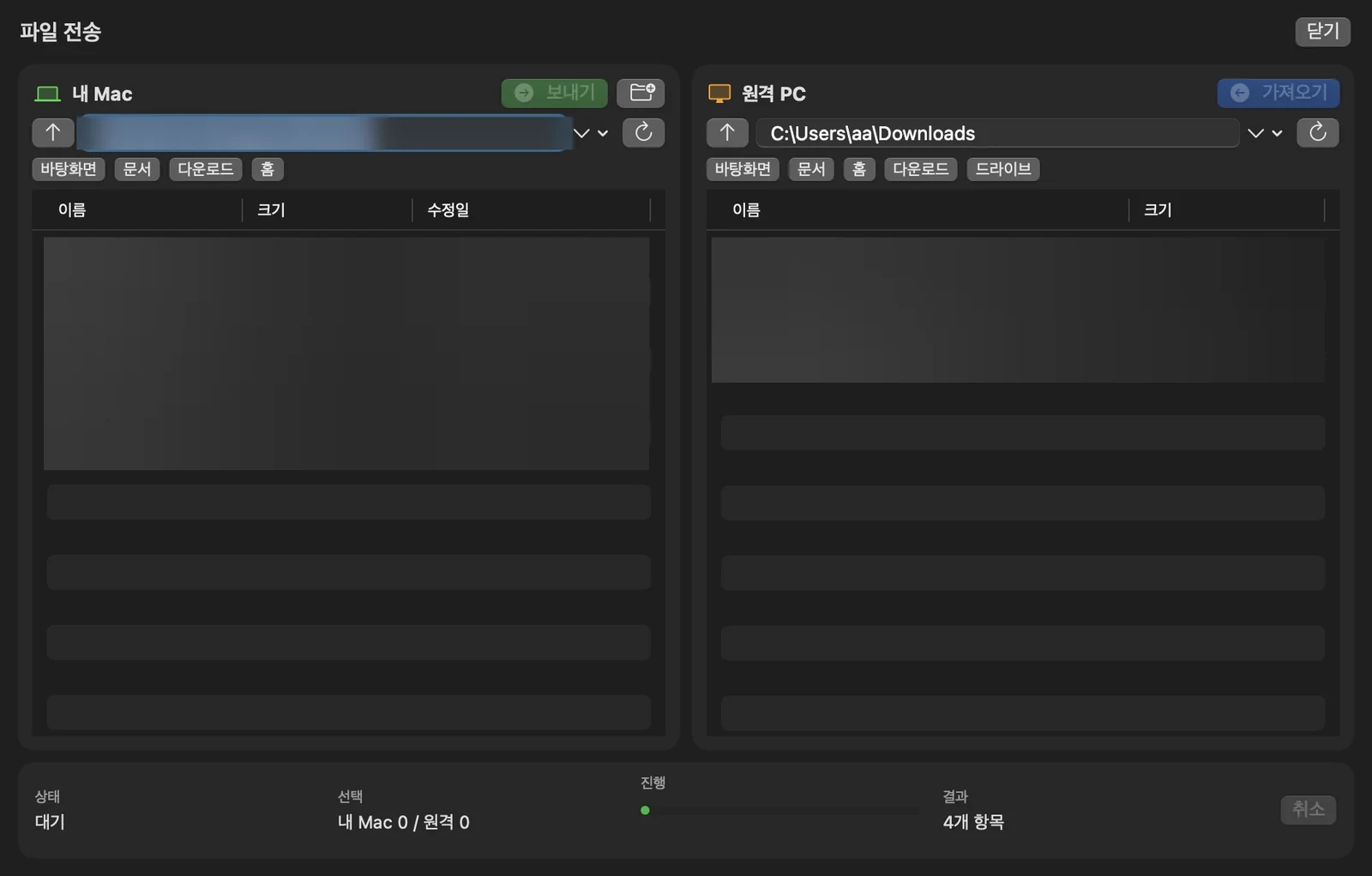
- 1 Your Mac
- 2 Send
- 3 Remote PC
- 4 Fetch
- 5 Quick locations: desktop, documents, downloads, home
- 6 Progress
- 7 Close
Numbers are explanatory overlays and do not appear in the application.