
Android · 33
Share your Android screen
Android host
Sending your Android screen needs screen-capture consent; accepting remote control needs Accessibility permission.
Step by step
- Start sharing your screen and allow Android’s screen-capture consent.
- If remote control is needed, allow RemoteAll Desk under Accessibility as guided.
- Check incoming connection requests, and stop sharing when finished.
| Item | Meaning |
|---|---|
| Screen-capture consent | Android’s step to allow screen sharing |
| Accessibility | System permission needed for remote input |
| Stop sharing | Ends screen sending |
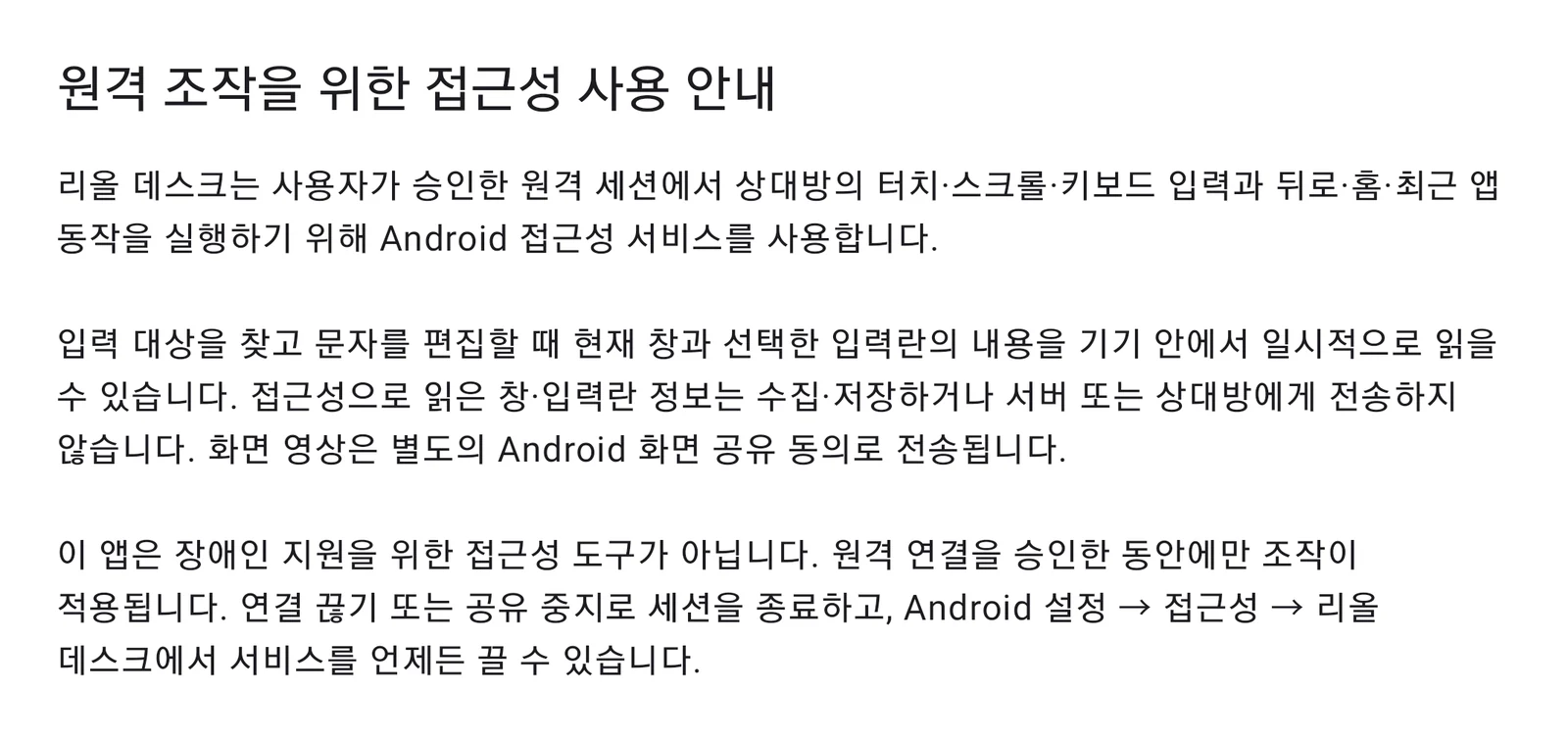
- 1 Why Accessibility is used for remote control
- 2 Screen information read is not stored or sent
- 3 How to turn it off: Android Settings → Accessibility → RemoteAll Desk
Numbers are explanatory overlays and do not appear in the application.